
Start With Nash County Court Records Online
The main online access point is the NC eCourts Portal. The Nash County Judicial Branch page links users into Portal services for case information, court dates, payments, and judgment searches. Portal is statewide, so the key step is narrowing the search to Nash County when the filter is available. Smart Search is used for public case information in criminal actions, civil actions, nonconfidential special proceedings, and estates. Search Hearings is better when the goal is a future court date. NC Judgment Search is narrower and returns judgment index information, then the case summary is checked in Smart Search.
Portal works best when a case number, citation number, full party name, business name, or date of birth filter is available. A name-only search can bring back cases from other counties, especially when a common surname is used. Public Portal viewing is not the same as getting a certified copy. For a certified file, complete background check, older paper file, or document not shown online, use the Clerk of Superior Court at the Nash County Courthouse.
- Open the Nash County court page or go directly to the NC eCourts Portal.
- Choose Smart Search for court records, Search Hearings for court dates, or NC Judgment Search for judgment indexes.
- Use Nash County as the location filter when the system offers a county or location field.
- Search by exact case number when possible. Portal training allows at least four characters plus an asterisk for a partial case number.
- Use party-name wildcards carefully. Training allows at least three characters plus an asterisk for last names and at least one character plus an asterisk for first names.
- Contact the Clerk of Superior Court if the file is old, sealed, not digitized, or needed as a certified copy.
The NC Judicial Branch court-records help topic explains that Portal can provide case information, but copies and some official court records still route through the clerk in the county where the case was filed.
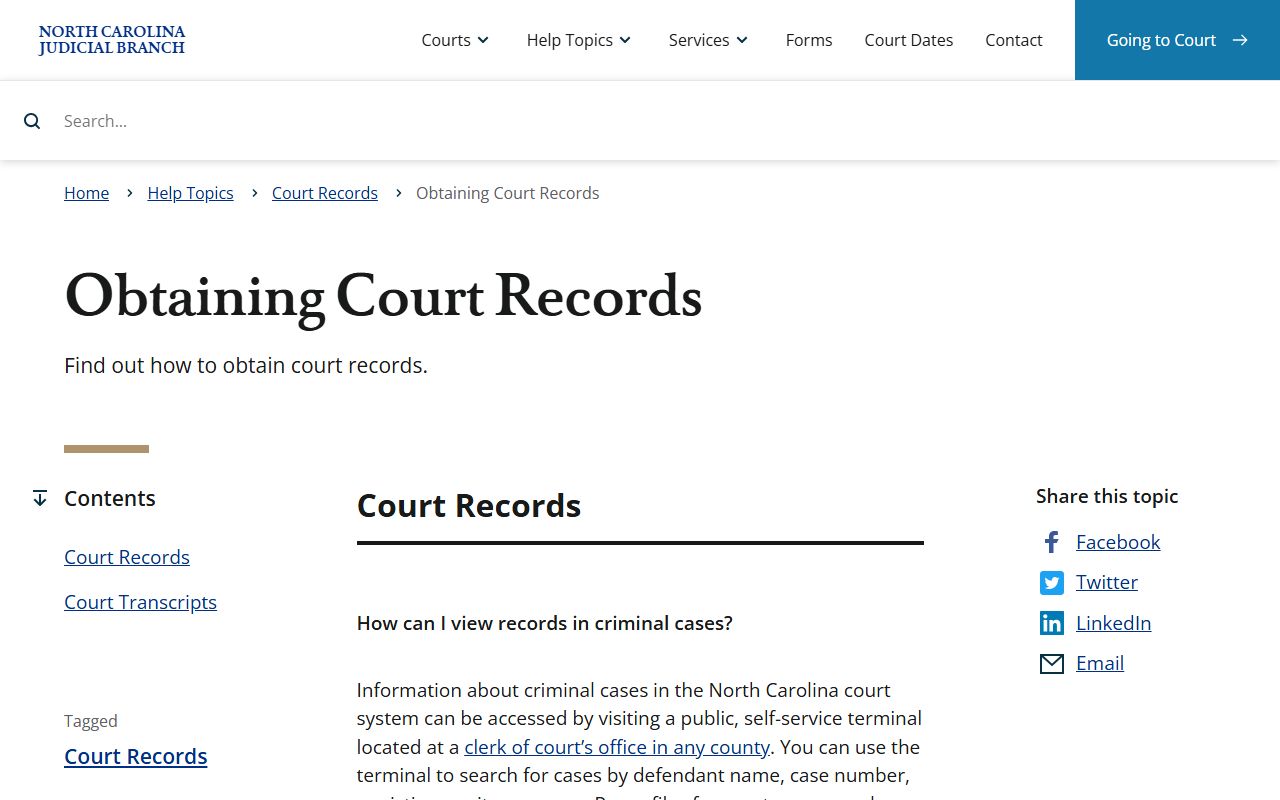
That distinction matters in Nash County because online case details, clerk counter records, divorce judgments, and background searches do not all use the same request path.
Nash County Court Records Search Fields
Portal training lists several fields that can help narrow Nash County court records. Some fields apply to Smart Search, while others apply to Search Hearings. The system also uses browser requirements, cookies, JavaScript, supported releases, and a Tyler CAPTCHA for anonymous, registered, and elevated access users. Registration is not required for ordinary public searches, but attorney elevated access uses a separate request process.
| Field Label | Type | Required | Notes / Format |
|---|---|---|---|
| Smart Search query | Text | Unspecified | Use for court records and case information by name or case number. |
| Advanced Filtering Options | Expandable filters | Optional | Civil Actions, Special Proceedings, Estates, and Criminal Actions. |
| Location / General Options | Dropdown or filter | Optional | Select Nash County to reduce statewide matches. |
| Party Name | Text | Optional | Use wildcards from training when a complete name is not known. |
| Date of Birth | Date or text | Optional | Helps separate people with similar names. |
| Case Number | Text | Optional | Partial case-number search can use at least four characters plus an asterisk. |
| Business Name | Text | Optional | Training allows at least four characters plus an asterisk. |
| Attorney Name or Bar Number | Text | Optional | Used for hearing searches. |
| Judicial Officer or Courtroom | Text or dropdown | Optional | Used to locate hearing events. |
| Citation Number | Text | Optional | Nash County court dates can be searched by citation number. |
The Remote Public Access Program is a different channel for licensed statewide criminal and civil court data users, not the usual one-time public lookup path.
RPA is useful to mention because it explains why some bulk users see court data through licensed systems while most residents use Portal or the clerk.
Types of Nash County Court Records
Nash County court records come from a unified North Carolina court structure. Superior Court handles felony matters and civil cases above the District Court threshold. District Court handles misdemeanors, infractions, traffic matters, juvenile cases, domestic relations, small claims appeals, and lower-value civil cases. Magistrates are part of the District Court structure and handle small claims, summary ejectment, warrants, certain first criminal proceedings, and pretrial release functions. The Clerk of Superior Court keeps the court files for both trial divisions and also handles estates and special proceedings.
- Civil records: complaints, answers, motions, orders, judgments, settlements, dismissals, liens, and appeal notices.
- Criminal records: warrants, charging instruments, bond orders, pleas, motions, dispositions, judgments, sentences, restitution, and costs.
- Family records: divorce, custody, child support, equitable distribution, domestic violence protective orders, and related motions.
- Estates and special proceedings: wills, estate administration, letters, inventories, accountings, guardianships, and nonconfidential special proceedings.
- Traffic and infraction records: citations, charge details, court dates, waiver eligibility, payments, dispositions, and failure-to-appear consequences.
- Judgments and liens: index entries that can show case number, disposition status, parties, index date, and judgment comments.
The Judicial Branch public records request form is not a shortcut for every Nash County case file. The public request page states that NCAOC is not the custodian of county case documents, case information, marriage certificates, birth certificates, or background checks. Those county case requests go back to the clerk.
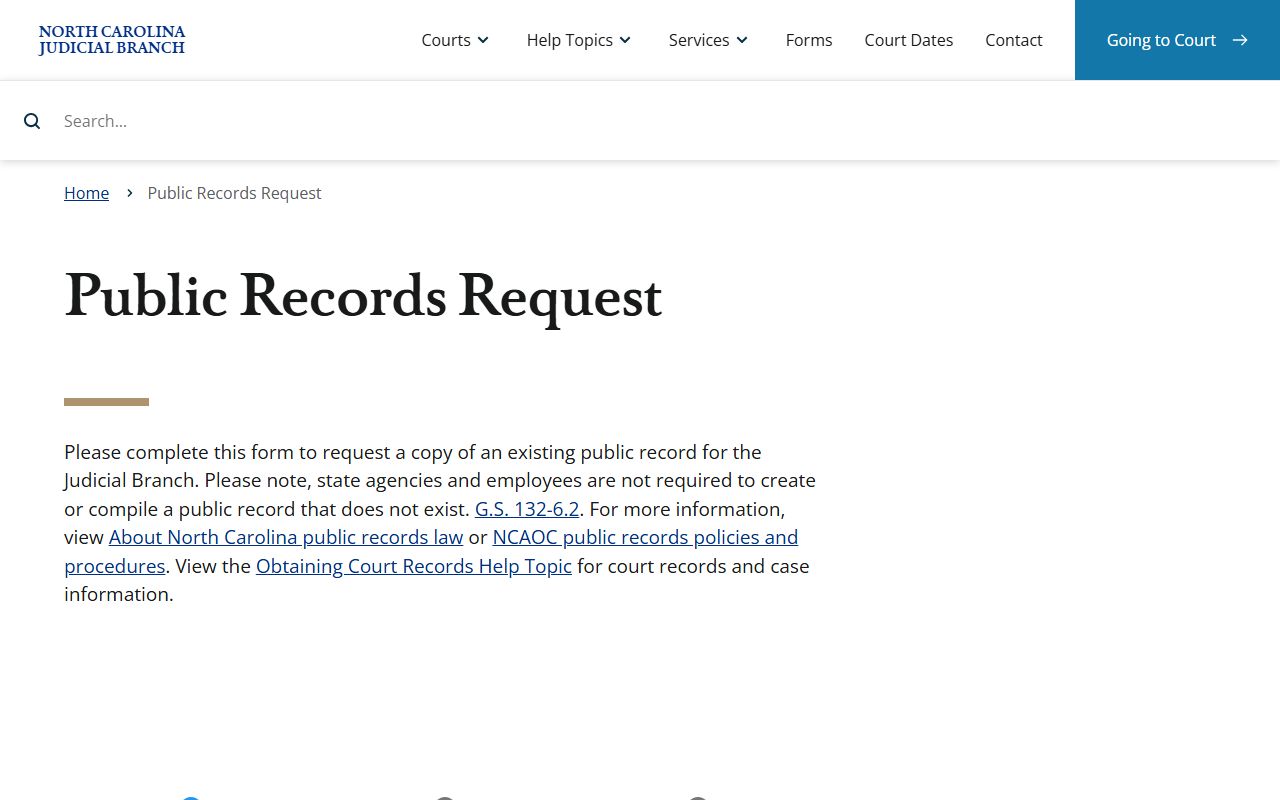
Use that form only for existing Judicial Branch administrative records that are not handled by the Nash County clerk or another local custodian.
What Nash County Court Records Show
A public court record can be a short search result, a docket history, a judgment index entry, or a full paper or electronic case file. The content varies by case type. Public Portal views may not show every document image, and confidential information is withheld or redacted. For legal filing, certified copies, or a full background search, the Clerk of Superior Court remains the source to contact.
| Field | What It Shows |
|---|---|
| Case number | The unique court identifier used by Portal and the clerk. |
| County or location | Whether the matter is tied to Nash County or another North Carolina county. |
| Division or case category | Civil, criminal, estate, special proceeding, traffic, or judgment context. |
| Filing and disposition dates | When the case opened and when an outcome was entered, if complete. |
| Parties and roles | Plaintiff, defendant, petitioner, respondent, or criminal defendant names. |
| Attorneys | Lawyers listed for the parties when shown in the public view. |
| Charges or claims | Offense descriptions, civil claims, statutes, or judgment details. |
| Hearings and docket events | Dates, courtroom, judicial officer, filings, orders, and scheduled events. |
| Judgment or disposition | Outcome, status, sentence, dismissal, judgment entered, or other final action. |
| Financial obligations | Costs, fines, restitution, attorney fees, probation fees, or payment status when public. |
Public Access for Nash County Court Records
North Carolina public access starts with broad public-record principles but has specific court-record rules. G.S. 132-1 defines public records broadly for materials made or received in connection with public business. G.S. 132-6.2 addresses copies and permits fees as prescribed by law. Court records also have their own clerk-recordkeeping law, G.S. 7A-109, which requires clerks to keep records, files, dockets, and indexes and allows public inspection during regular hours unless access is barred by law.
Nash County court records access is practical as well as legal. Portal is the first stop for public case information. The clerk counter is the channel for certified copies, background checks, older records, and case-file questions. Mail requests should include party names, case number if known, case type, date range, and the exact document needed. Phone questions about file location, copy availability, and payment instructions go to the Clerk of Superior Court.
Note: Public access does not mean every document image or identifier is available online without redaction.
The North Carolina copy-fee statute helps explain why viewing a search result can be free while official copies can still carry lawful fees.
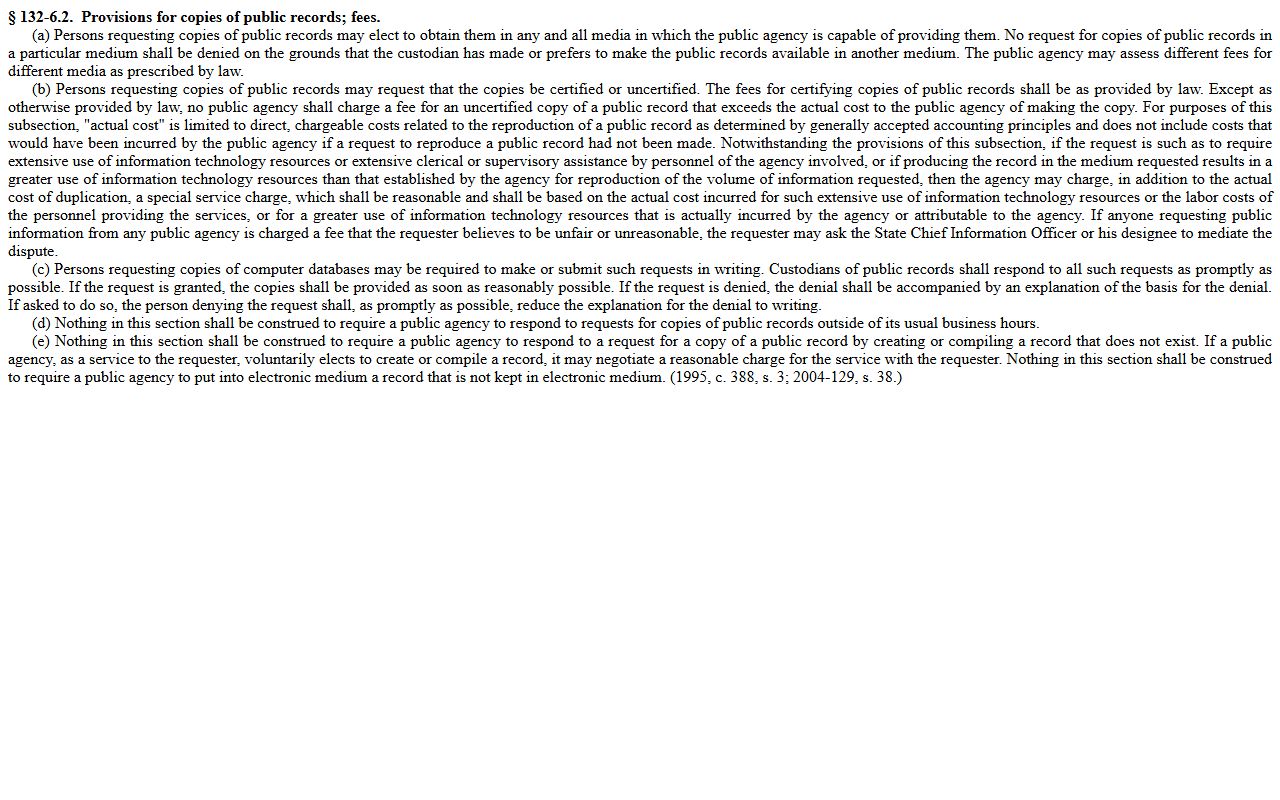
When the exact copy or certification fee is not published in the local source set, the safer route is to ask the Nash County Clerk of Superior Court before mailing payment.
Restricted Nash County Court Records
Several Nash County court record categories are not ordinary public files. Juvenile abuse, neglect, dependency, and delinquency records are confidential under Chapter 7B. Adoption records are not open court files. Mental health commitment proceedings are sensitive and restricted. Sealed records are hidden from ordinary public access by law or court order. Expunged records are removed from public record access and may be sealed or destroyed under North Carolina expunction law.
Protected personal information can also be redacted from otherwise public case records. Social Security numbers, financial account numbers, protected addresses, minor names, victim or safety information, and confidential identifiers should not be expected in a public Portal result. A party seeking access to a restricted file generally needs legal authority, party status, or a court order. The clerk can explain filing and access procedures, but the clerk cannot give legal advice about whether a person qualifies.
The North Carolina public records chapter gives the broad public-record baseline, but Nash County court records still follow court-specific confidentiality rules and redaction duties.
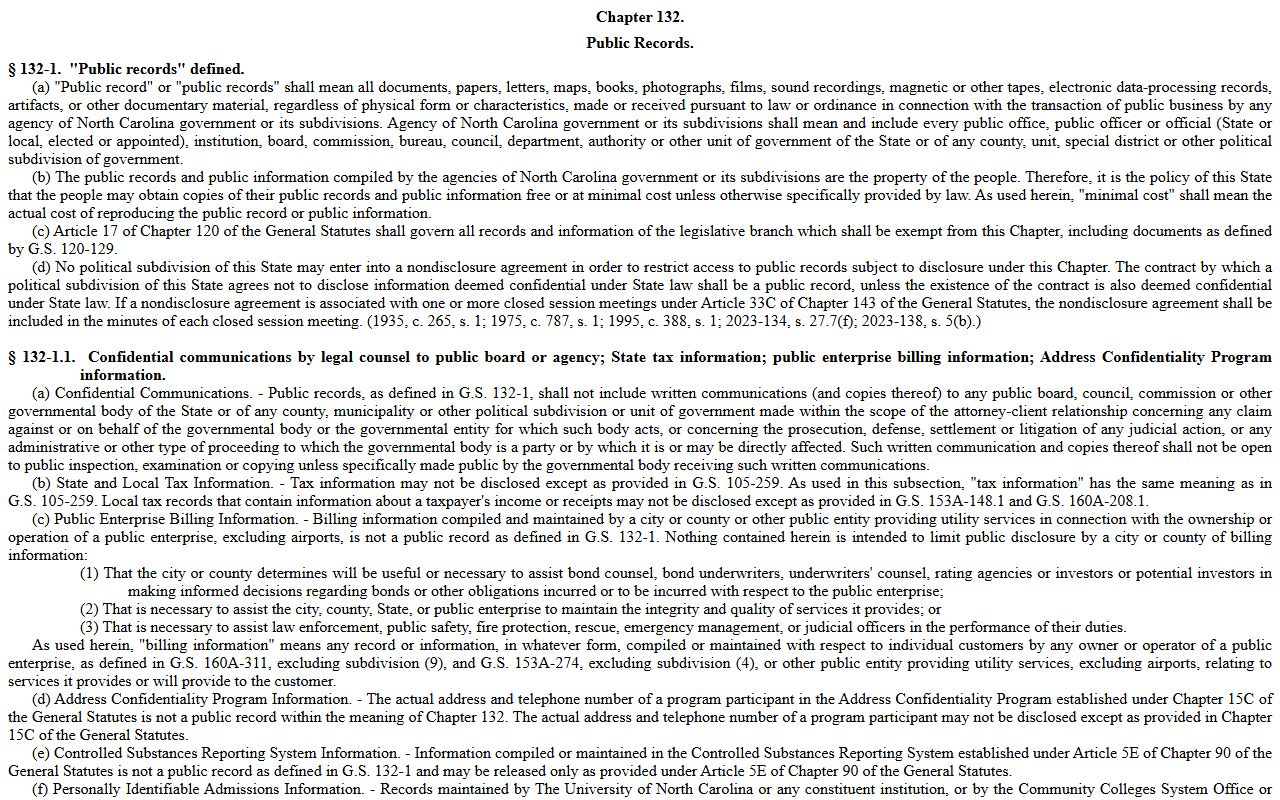
That is why an open civil judgment search and a confidential juvenile file can exist in the same court system with very different access rules.
Nash County Court Records at the Clerk
Use the Clerk of Superior Court when Portal is not enough. The clerk is the elected recordkeeper for Superior Court and District Court files in Nash County and also handles estates, special proceedings, divorce judgments, public terminals, counter requests, and background searches. The courthouse mailing address is useful for written requests and payments, while in-person searches use the courthouse in Nashville.
Clerk of Superior Court
Nash County Courthouse
234 W Washington St
Nashville, NC 27856
(252) 220-3000
Monday-Friday courthouse hours vary by lunch closure; confirm before visiting.
Mail requests can be directed to Clerk of Superior Court, Nash County Courthouse, PO Box 759, Nashville, NC 27856. For certain payment processing, the Nash payment page also lists Clerk of Superior Court, Nash County Courthouse, PO Box 1588, Rocky Mount, NC 27802. Include enough identifiers to let staff find the file, and do not send cash by mail.