
Nash County Court Docket Basics
A docket is the chronological record of activity in a case. In Nash County, that can include the case number, parties, filing date, hearing dates, courtroom, judicial officer, event entries, judgment references, disposition, and sometimes payment or cost events. For a future date, the docket may work like a calendar entry. For an older case, it can work like a case history. The docket helps a person see what has happened and what is scheduled, but it does not always display the full motion, order, exhibit, or certified copy.
North Carolina uses one statewide General Court of Justice. That matters because Nash County dockets are not split across separate county-run trial courts. Superior Court, District Court, magistrate matters, estates, and special proceedings are connected to the same state court system and the same Clerk of Superior Court. District Court handles misdemeanors, infractions, traffic, family, juvenile, and lower-value civil matters. Superior Court handles felony matters and civil cases above the District Court threshold. A docket search should match the case type to the right court division.
Find Nash County Court Dockets Online
The main public tool is the NC eCourts Portal. Use Search Hearings when the goal is a court date, hearing time, courtroom, judicial officer, or calendar event. Use Smart Search when the goal is to open the case summary and read docket entries in context. Use NC Judgment Search when the interest is a judgment index result, then move into Smart Search for more case detail when available.
- Open Portal and choose Search Hearings for court dates or Smart Search for the case summary.
- Filter to Nash County when a county or location field appears.
- Search by case number, party name, business name, attorney name, attorney bar number, judicial officer, or courtroom.
- Use the civil and criminal calendar pages when the goal is a court calendar rather than a case summary.
- Call the Clerk of Superior Court if a date is missing, a calendar looks incomplete, or the case is old or restricted.
The public Nash County calendar channels include civil calendars filtered to Nash County and criminal calendars filtered to Nash County. These calendar interfaces are useful for date checks, but an active case summary may still be easier to read through Smart Search.
Nash County Court Docket Fields
Portal is dynamic and uses JavaScript, cookies, and CAPTCHA, so public docket screens can vary by search path and access level. Official Portal training still names the core hearing, judgment, and search fields. Those fields can be used to read Nash County court dockets without assuming that every document image is available online.
| Field | What It Shows |
|---|---|
| Case number | The court identifier used to connect a docket, hearing, judgment, and clerk file. |
| Party name or business name | The person or entity tied to the case or calendar event. |
| Hearing location and time | The date, time, and location information named in official hearing-search guidance. |
| Judicial officer | The judge or officer searchable through hearing search when available. |
| Courtroom | The room field used to locate scheduled hearings. |
| Disposition status | The status named in NC Judgment Search results. |
| Index date and time | The judgment index timing for entries shown in NC Judgment Search. |
| Judgment comments | Disposition-related comments listed in judgment index guidance. |
Nash County Court Dockets by Division
Nash County docket searches should account for the state court hierarchy. Superior Court District 8A and District Court District 8 both use the Nash County Courthouse and the Clerk of Superior Court. Magistrates are judicial officers of District Court and handle matters such as small claims, summary ejectment, warrants, and pretrial release. The District Attorney for Prosecutorial District 8 handles state criminal prosecution for Edgecombe, Nash, and Wilson counties, so some criminal calendar context may refer to district-level offices beyond Nash alone.
| Court or office | Docket role in Nash County | Contact point |
|---|---|---|
| Superior Court District 8A | Felony cases and civil cases over $25,000. | Nash County Courthouse; Superior Court Judges (252) 220-3016. |
| District Court District 8 | Misdemeanors, infractions, traffic, family, juvenile, and civil cases of $25,000 or less. | District Court Judges and Trial Court Coordinator (252) 206-3012. |
| Magistrates - Nashville | Small claims, summary ejectment, warrants, and initial criminal functions. | (252) 220-3019. |
| Magistrates - Rocky Mount | Magistrate service point for Rocky Mount area functions. | (252) 212-3119. |
| Clerk of Superior Court | Maintains records, calendars, files, indexes, estates, and special proceedings. | (252) 220-3000. |
Local rules and forms on the Nash County Judicial Branch site include Superior Court, District Court, Domestic Court, and Juvenile Court materials. Examples include Superior Court civil calendar rules, continuance forms for criminal cases and infractions, family financial case procedures, juvenile court rules, and a District Court Notice of Hearing form.
Nash County Dockets vs Case Records
A docket is useful for tracking where a case stands. A full case record is broader. The full file may include complaints, warrants, indictments, informations, motions, orders, judgments, letters, inventories, accountings, or sentencing papers. A docket may point to those events without making every document public or downloadable. Certified copies, complete file reviews, and older materials often move from the online docket to the Clerk of Superior Court.
| Question | Docket or calendar | Full case record |
|---|---|---|
| Main use | Track events, dates, and status. | Review the filed case materials and official copies. |
| Typical online channel | Search Hearings, civil calendars, criminal calendars. | Smart Search and clerk file access. |
| Best identifier | Case number, party, attorney, courtroom, judicial officer. | Case number, party, case type, date range, document title. |
| Limits | May not show document images or restricted cases. | May require clerk review, copy fees, or legal authority. |
Federal Dockets Affecting Nash County
Most Nash County court dockets are state court records, but federal cases tied to Nash County people, businesses, or events are handled outside the county courthouse. Nash County is within the Eastern District of North Carolina for federal trial court purposes. Federal civil and criminal docket access uses the federal court's CM/ECF system and PACER rather than the NC eCourts Portal.
The U.S. District Court for the Eastern District of North Carolina is the official federal court source.
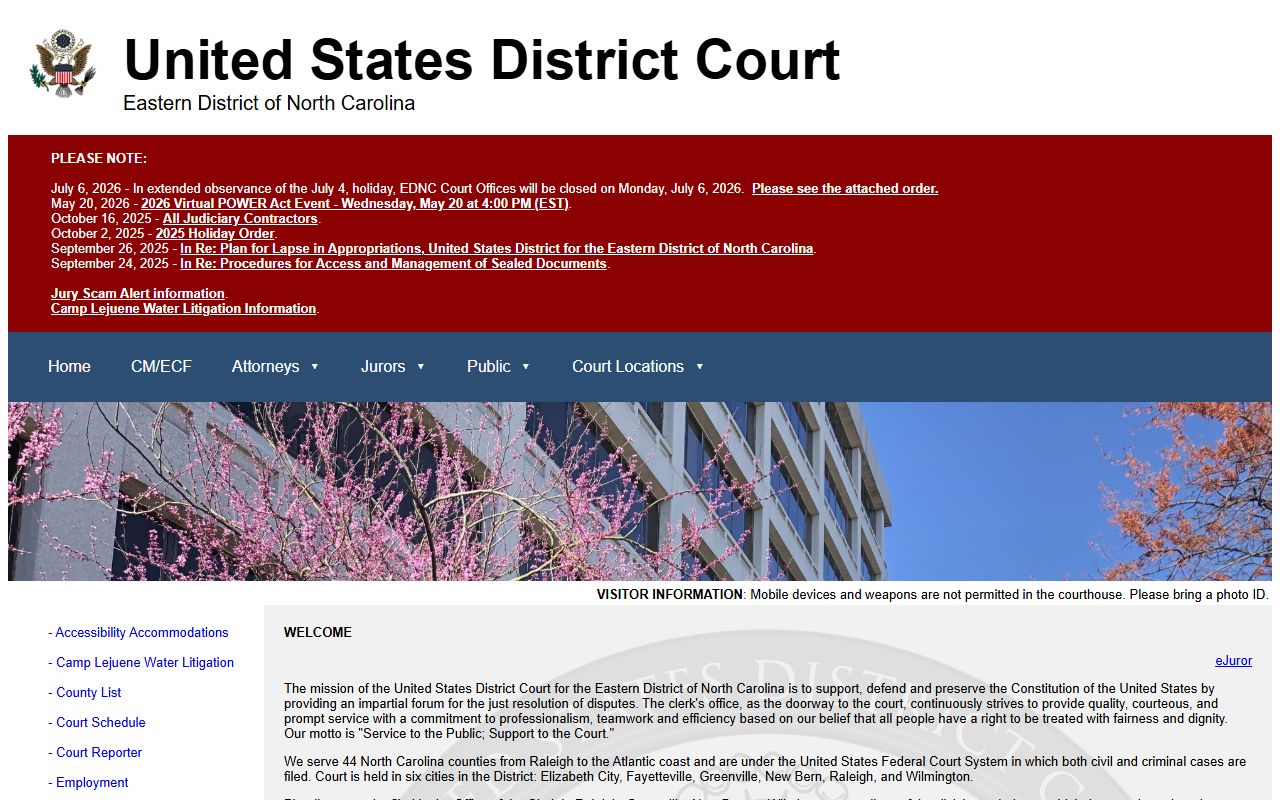
Use the federal court site when the docket is a federal case, not a Nash County Superior Court or District Court matter.
The Eastern District provides CM/ECF information for electronic filing and case management.
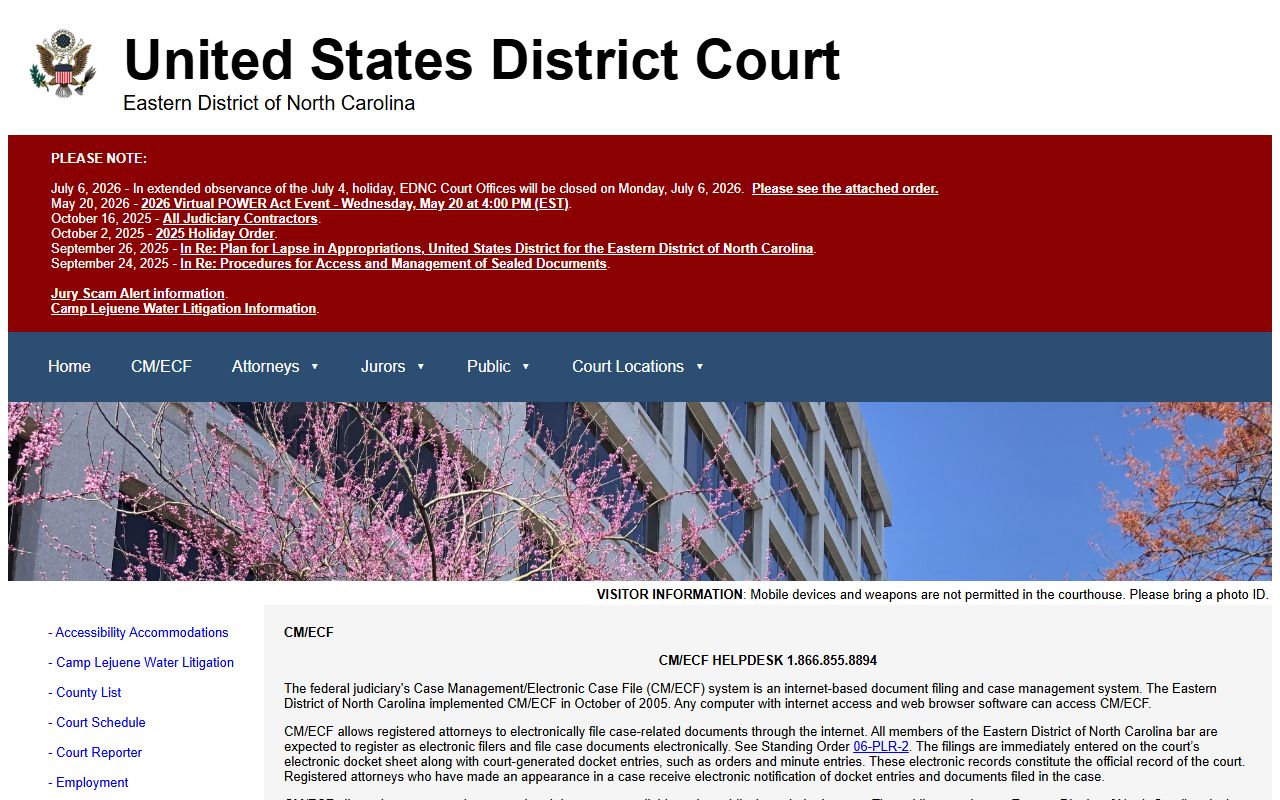
CM/ECF is the court's filing and case-management system, while public document access commonly runs through PACER.
The Eastern District CM/ECF login is separate from North Carolina's state Portal.
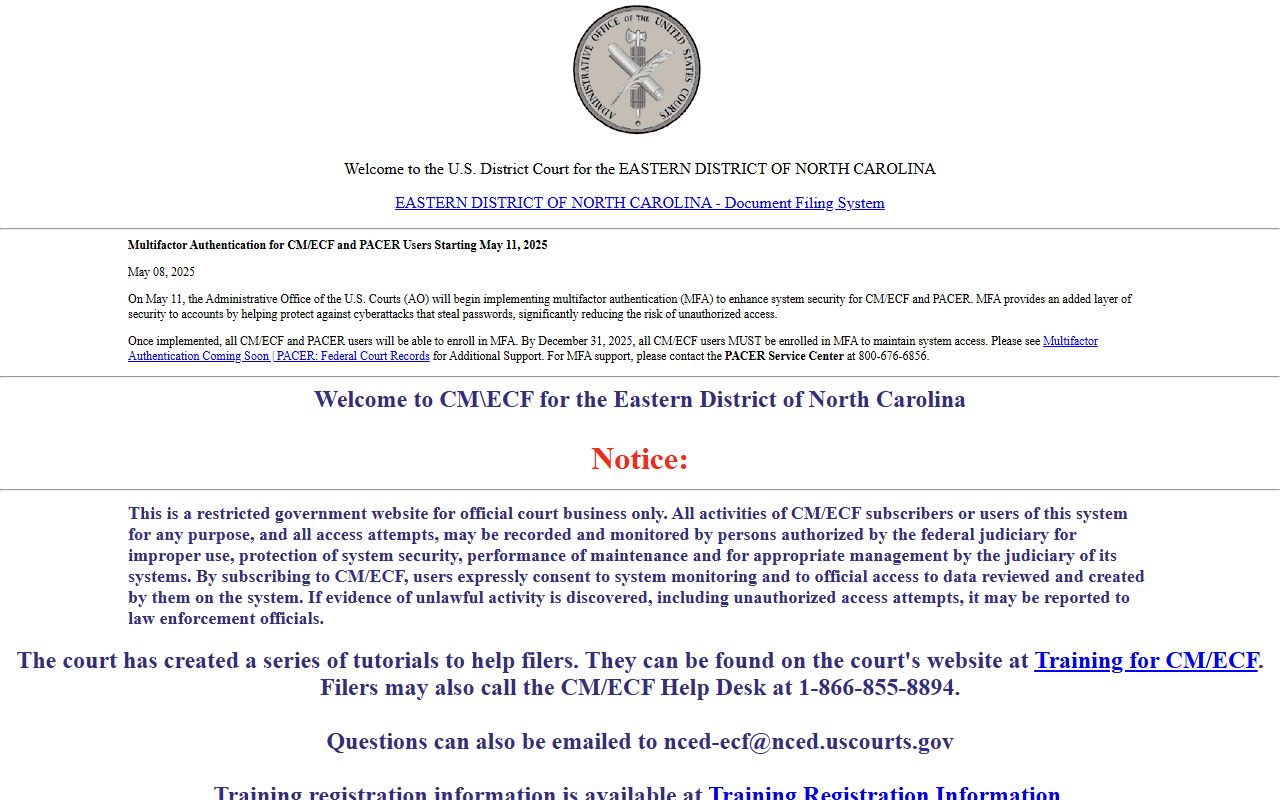
That separation prevents a common mistake: a state criminal or civil docket belongs in NC eCourts, while a federal indictment or federal civil case belongs in federal systems.
PACER and Federal Criminal Dockets
The PACER portal is the national federal docket and document access system.
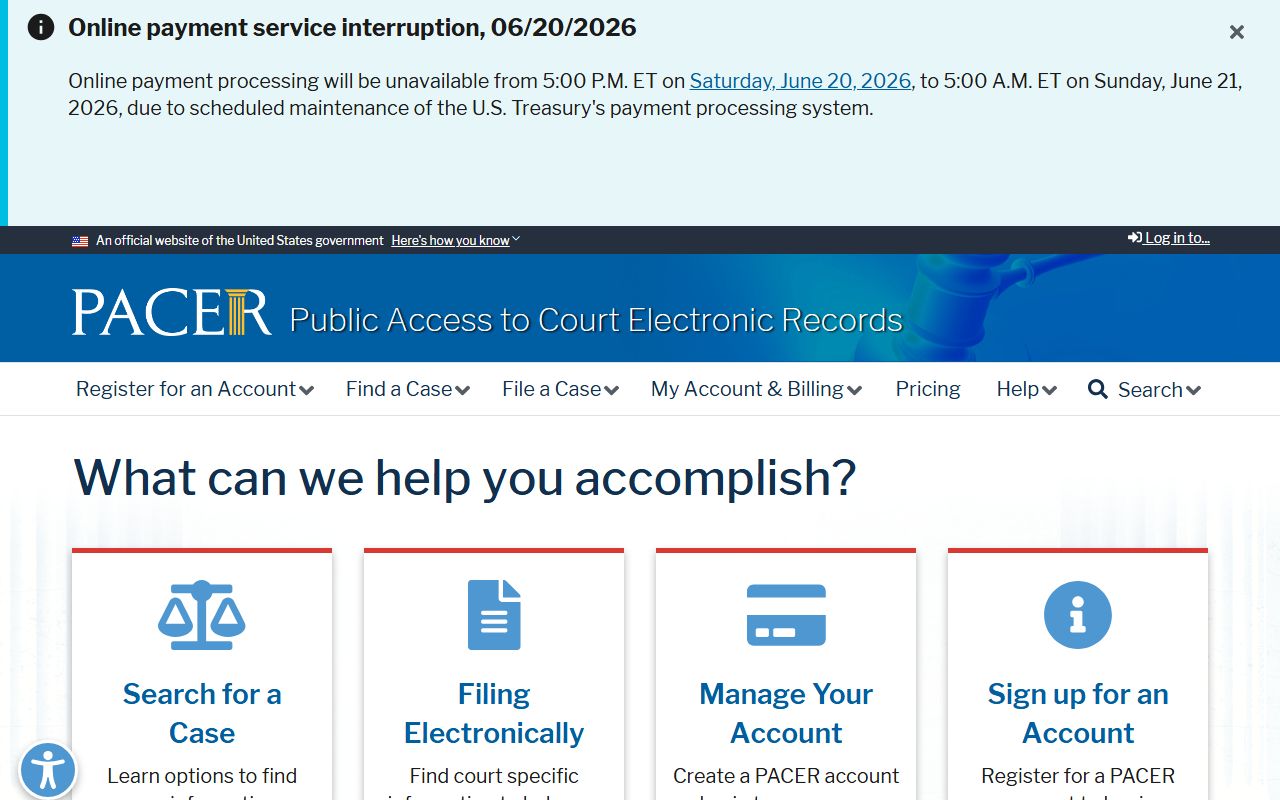
PACER should not be used for ordinary Nash County District Court traffic dates, state misdemeanors, or local civil calendars.
Federal criminal prosecutions in the district are associated with the U.S. Attorney's Office for the Eastern District of North Carolina.
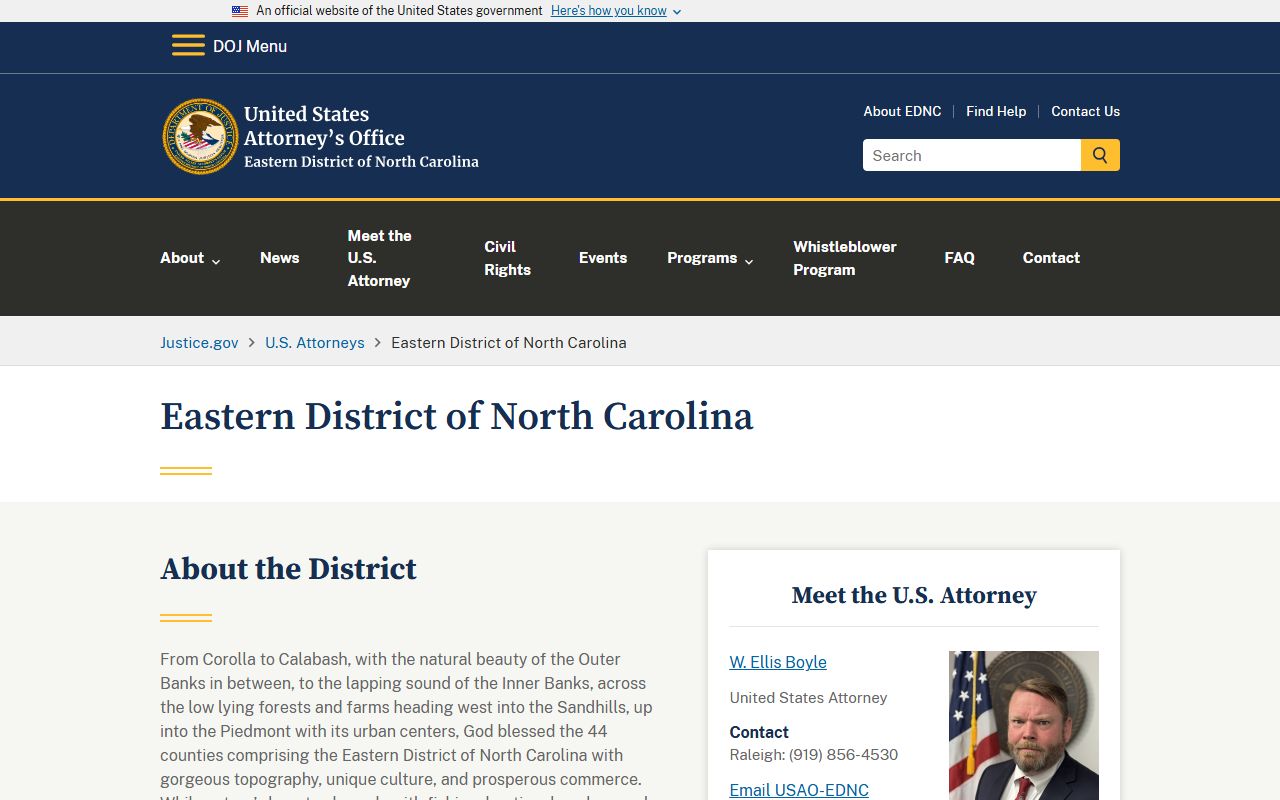
For Nash County state charges, the local District Attorney and state court docket remain the relevant route; for federal charges, the federal court docket controls.
When a Nash County Docket Is Missing
A missing docket entry does not always mean there is no case. The case may be too new, too old, sealed, confidential, mis-keyed, filed under a business name, listed under a different spelling, or not narrowed to Nash County. A traffic matter may be easier to locate by citation number. A criminal matter may show under a defendant name, but background searches should still be handled through the clerk rather than relying only on Portal.
For scheduling questions, call the Clerk of Superior Court at (252) 220-3000. District Court scheduling and trial coordinator references in the Nash contact directory use (252) 206-3012. Magistrate questions may route to Nashville at (252) 220-3019 or Rocky Mount at (252) 212-3119, depending on the function. Court dates can change, so the official court source should be checked close to the appearance date.
Note: A continuance changes the hearing date but does not erase the case or the earlier docket history.